Registering security keys or passkeys protects nothing until policy requires a phishing-resistant method for each app, and attackers have already moved to the places registration leaves open: the first enrollment, account recovery and the help desk. This guide is for the identity lead or IT director on Microsoft Entra ID, Okta or Google Workspace moving the whole company to phishing-resistant MFA without locking people out. Salesforce has said it will enforce phishing-resistant MFA for privileged users (Salesforce Admins, June 22, 2026), so check its current schedule.
NIST defines phishing resistance as the ability of the authentication protocol to prevent the disclosure of authentication secrets and valid authenticator outputs to an impostor verifier (NIST SP 800-63B-4, Sec. 3.2.5). A key or passkey signs a challenge tied to the real site, so a fake page collects nothing it can replay.
Which methods count as phishing-resistant?
Security keys and other FIDO2/WebAuthn credentials, Windows Hello for Business and smart cards (PIV or certificate-based authentication) count. Passkeys count in two forms, device-bound and synced, which differ in assurance level and not in phishing resistance. SMS, voice, one-time codes, push and push with number matching do not.
Method | Counts? | Basis |
|---|---|---|
Security key (FIDO2/WebAuthn) | Yes | CISA's 2022 fact sheet calls FIDO/WebAuthn the only widely available phishing-resistant authentication (CISA); the FIDO Alliance rates hardware keys highest |
Device-bound passkey | Yes | The private key is created and stored on one device and never leaves it (Microsoft Learn) |
Synced passkey | Yes, caveat | NIST allows them at AAL2 but not AAL3, because the private key must be exportable; Microsoft: phishing-resistant, but unattested |
Windows Hello for Business | Yes | In Entra's built-in phishing-resistant strength; only where each user signs in to the PC as themselves |
Smart card (PIV, certificate-based) | Yes | CISA: less widely available, tied to enterprise PKI |
Push with number matching | No | CISA: among the best options for small and medium businesses that cannot immediately implement phishing-resistant MFA |
One-time codes (TOTP), SMS, voice | No | NIST: manual entry of an output is not phishing-resistant. CISA: SMS and voice only as a last resort |
Temporary Access Pass | No | Entra's built-in strengths list it under MFA only |
SP 800-63B-4 is the current revision; NIST finalized SP 800-63B-4 on July 31, 2025. The current revision binds federal systems, as does OMB M-22-09 (January 2022), which requires agencies to use phishing-resistant methods; neither binds a private company.
Is Microsoft Authenticator phishing-resistant? Push and phone sign-in are not: Entra's phishing-resistant strength does not include them. A passkey held in the Authenticator app is a different method and is treated as phishing-resistant by Microsoft.
Which method should each group get?
Give administrators and help desk staff security keys, two each, and everyone else the passkey type your platform supports best. Microsoft's deployment guide recommends keys for admins and synced passkeys for other users; the rest of the table is our recommendation.
Group | First choice | Alternate | Note |
|---|---|---|---|
Admins, help desk, regulated users | Security keys, two each | Authenticator passkey, smart card | Mandiant also recommends keys |
Finance approvers, executives | Device-bound passkey or key | Synced passkey on a managed account |
|
General staff | Synced passkey | Security key, Authenticator passkey |
|
Frontline staff without company phones | Synced passkey, or a key registered on their behalf |
| Microsoft's frontline guidance |
Shared workstations | Security key |
| Not Windows Hello for Business |
Contractors | Same method as the role they perform | Key issued by you if their device is unmanaged | Our view |
To keep synced passkeys out of an admin set: Entra passkey profiles with attestation enabled allow only device-bound passkeys; Okta can block syncable passkeys for new enrollments org-wide (not by attestation); Workspace can restrict passkeys to hardware keys, which also blocks phone and computer passkeys. If Entra migrated your tenant to passkey profiles in the automatic rollout scheduled for May to late June 2026 (public cloud, GCC), check the admin profile: with attestation off, synced passkeys are allowed (notice MC1221452, mirror).
How do users get their first credential?
Bound the first step: admins, help desk and new hires get a proofed pass or an issued key, and existing staff register with their current MFA on a managed device and trusted network inside an announced window. A Temporary Access Pass (TAP) in Entra and a temporary access code in Okta are typed passcodes, so in our assessment they are a bounded phishable step, not a phishing-resistant one. Only a key you issue in person, or ship already registered, removes the typed step.
Microsoft's rollout guide gives new hires a TAP after identity proofing, calls Verified ID plus a TAP best practice, yet also says users with traditional MFA can use it to register their first portable credential. Okta's first-enrollment rule requires a trusted network zone and low-risk behavior. Proofing 5,000 existing employees will not happen, so use tiers.
Tier | Who | First credential | Gate |
|---|---|---|---|
A | Admins, help desk, new hires, anyone re-enrolling after a loss | Pass issued after identity proofing (video or in person), or a key issued in person or shipped pre-registered | Single use, shortest lifetime that works |
B | Existing staff with traditional MFA | Register with existing MFA | Managed device and trusted network, inside an announced window, then closed |
Our gate for tier B needs both, as Microsoft's 2023 Octo Tempest report does.
Entra's TAP defaults set the default lifetime to 1 hour, the maximum to 8 hours, and one-time use to False. Tier A needs one-time use on and short lifetimes; the user must then finish registration within 10 minutes of signing in. Google's closest equivalents are admin-generated backup codes during the grace period of "Only security key" enforcement and a 10-minute challenge bypass; in our view, delivery by message or text (Google) or phone (Okta, after an identity check) is weaker than proofing.
Google's threat intelligence group reported that in early to mid-January 2026 a cluster it tracks as UNC6661 phoned employees posing as IT staff, claimed the company was updating MFA settings, directed them to victim-branded credential harvesting sites to capture SSO credentials and MFA codes, and registered its own device for MFA. In at least one incident, it then deleted the "Security method enrolled" email from Okta (GTIG, January 30, 2026). In our reading, an attacker who enrolls during an open window holds a credential that satisfies your policy. Close tier B on a date, and once a user has a first credential, require a phishing-resistant method to add or remove any other. In Entra, Conditional Access on registration targets "Register security information", and from July 6, 2026, Microsoft says, it also applies to Windows Hello for Business and macOS Platform SSO registration.
What is the rollout order?
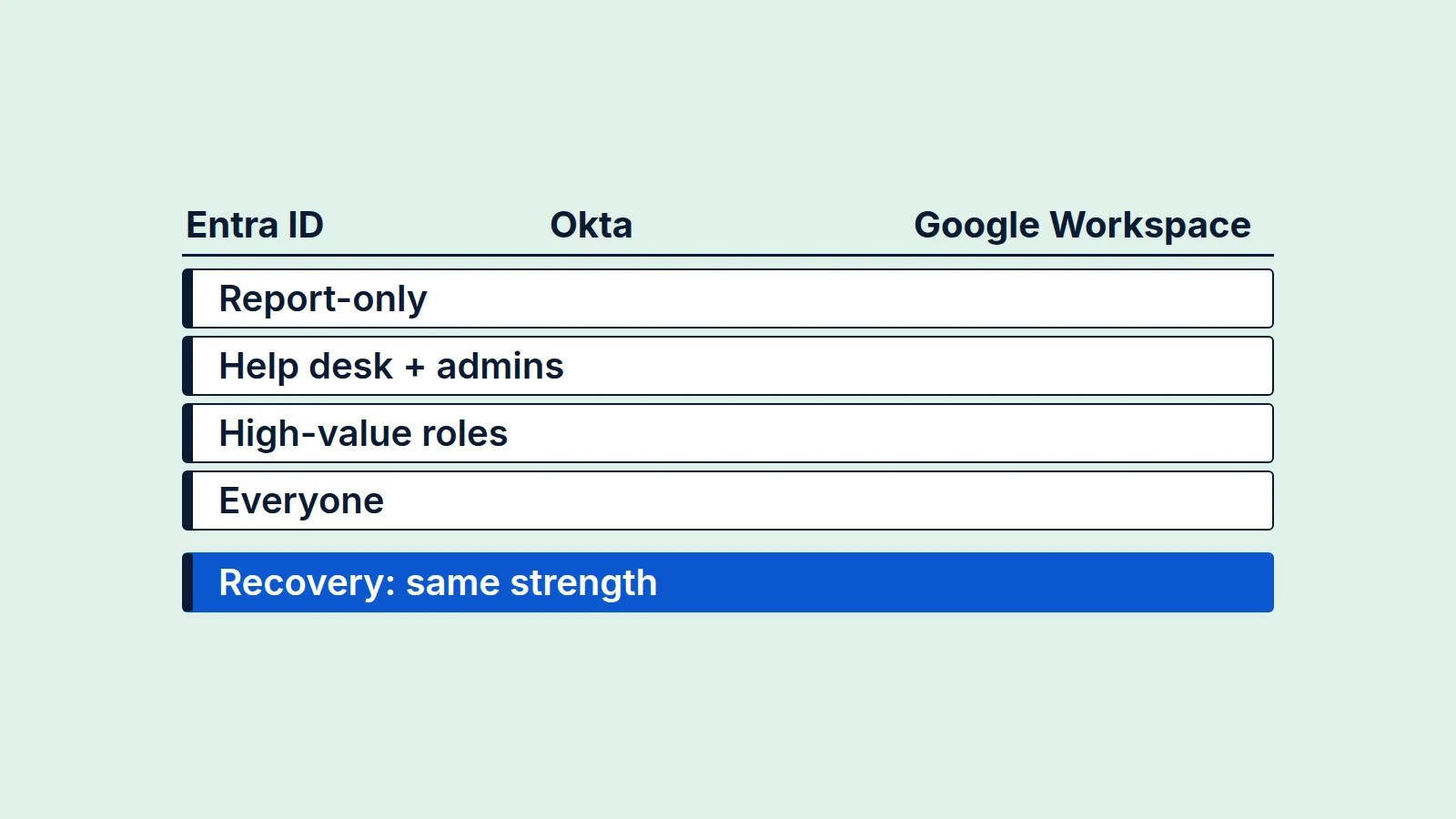
Start with a policy in report-only mode, then enroll and enforce for the help desk and administrators, then high-value roles, then everyone. CISA gives help desk staff and IT administrators as an example of an initial phase. The owners and durations below are our planning defaults.
- Weeks 0-2, identity lead: create the policy that requires phishing-resistant authentication for all users, excluding break-glass accounts, in report-only mode, before any enrollment campaign. In Okta and Workspace, size the list from sign-in logs. Verify: the report lists who would be blocked, in which app.
- Weeks 2-4, help desk lead and identity lead: enroll help desk staff and IT administrators with two keys each. Scope help desk roles so they cannot reset the most privileged accounts: Microsoft says to exclude operations over Global Administrators, Okta to exclude highly privileged admin groups from custom help desk roles. Review who holds admin rights first (our SaaS admin access review guide). Verify: two registered credentials each; a test help desk account cannot reset an admin.
- Same weeks, before enforcing on any admin, identity lead: set up two or more emergency access accounts with phishing-resistant methods different from normal admin accounts, and alert on every sign-in or audit event (Microsoft's guidance). Then enforce for help desk staff and admins. Verify: a test sign-in alerts; weaker admin sign-ins fail.
- Weeks 4-8, security lead with business owners: finance approvers, executives, and the high-value roles CISA names, such as attorneys with e-discovery rights and HR. Enforce by user-and-device pair, not role alone. Verify: report-only shows no unexplained would-be blocks for the group.
- Week 8 onward, identity lead and communications: everyone, in waves. Slow down when help desk tickets climb. Verify: ticket volume per wave; share of sign-ins by method.
Enforcement is per app, in the identity provider's policy engine.
| Entra ID | Okta | Google Workspace |
|---|---|---|---|
Enforce | Built-in phishing-resistant authentication strength in Conditional Access (Microsoft Entra ID P1 license) | Phishing-resistant requirement in app sign-in policy rules | 2SV enforcement: "Only security key" (keys and passkeys); Advanced Protection Program enforces keys or passkeys for enrolled users, such as admins |
Limit | A user can still type a password, then must use a phishing-resistant method; apps outside Conditional Access never see the policy | Some apps lack support because of their WebView implementation | "Any except codes by text or call" is a middle step |
When can you remove SMS, voice, TOTP and push?
Remove each fallback group by group, once measured gates are met. In our analysis, downgrade is not the main reason: under an Entra strength policy a weaker second step is already refused for that app. Fallbacks matter where the policy does not reach: apps outside it, self-service recovery and registration.
On downgrade, the sources differ. Proofpoint researchers demonstrated a FIDO downgrade and wrote on August 12, 2025 that there was no evidence of threat actors using it in the wild (Proofpoint). A Microsoft Learn passkey page updated April 6, 2026 says attackers often use downgrade techniques, with no data.
Fallback gates, all our analysis:
- Every user in the group has two registered phishing-resistant credentials.
- Phishing-resistant methods account for at least 98% of the group's interactive sign-ins for 30 days, and the remaining users are named.
- Report-only shows no would-be blocks in scope except listed exceptions.
- Every exception has an owner, a compensating control and an expiry date no more than 90 days out.
- The reset procedure below has been run end to end with the help desk at least once.
Remove SMS and voice first (Mandiant recommends removing SMS, phone call and email as authentication controls), then one-time codes, then push.
Where to read the method used: Entra sign-in logs, Authentication details (hardware and software OATH tokens both show as "OATH verification code"), plus the Usage report on P1 or P2; the Okta System Log, which records factor events such as user.mfa.factor.activate and user.mfa.factor.reset_all; Workspace login audit, which carries a login_challenge_method parameter, and passkey_enrolled for a new passkey.
For users who cannot use any phishing-resistant method, write a documented exception with an owner and expiry. Our suggested compensating controls: number-matching push (CISA's advice for MFA not yet phishing-resistant) plus a managed-device requirement.
A defensive AI agent can do the measuring: with read-only access to sign-in logs and the registration report, it computes the weekly share by method per group and lists users with fewer than two credentials. A person decides which fallback goes and signs each exception.
How do you handle lost keys and help desk resets?
Every user needs two credentials, so a lost key is a ticket and not a recovery event. NIST says to encourage at least two separate means of authentication. When a reset is unavoidable, we recommend reissuing at first-enrollment strength, tier A. NIST asks less: its AAL2 recovery options include repeated identity proofing and allow other methods on a documented risk analysis.
Our recommendation for the common cases:
Case | Procedure |
|---|---|
Lost or broken key | Treat a lost or broken key as compromised (NIST); once the user is verified (reset step 1 if by call), remove the key; register the replacement using the second credential, or through tier A if there is none |
New phone | With the old phone or a second credential, register the new device, then remove the old one; with neither, treat as a lost key |
Departed device (leaver, unreturned laptop) | At offboarding, remove credentials registered on it and revoke sessions; a device-bound passkey on it is a lost key |
CISA's advisory on Scattered Spider, revised July 29, 2025, describes actors who posed as employees to persuade help desk staff to reset passwords or transfer MFA tokens, then registered their own MFA tokens (AA23-320A). BleepingComputer reported that Clorox's lawsuit alleges Cognizant's service desk reset an employee's credentials without verifying identity; Cognizant says it had "a narrow scope of help desk services" which it "reasonably performed" and "did not manage cybersecurity for Clorox" (BleepingComputer, July 23, 2025).
Our recommended reset procedure, with owners:
- At the call, help desk agent: verify the caller through identity proofing, video or in person (tier A). In our view, a call-back to a number on file is not enough alone for a privileged account.
- Same ticket, before reissuing, help desk lead or SOC: revoke the user's sessions. Microsoft warns that standard revocation often invalidates only refresh tokens and leaves access tokens alive for up to an hour; it recommends temporarily disabling the compromised account. Continuous access evaluation can shorten the hour: Microsoft says supporting Microsoft 365 clients lose SharePoint, email and Teams access within minutes of critical events, such as an administrator revoking all refresh tokens. Verify: no session older than the revocation an hour later.
- Same ticket, help desk agent: remove any lost credential from the account, then reissue only through the tier A path. We recommend a second approver on any reset of a privileged account, and "reset all factors" never as a single action for an admin.
- Same day, SOC analyst: list every method registered since the reset and remove any the user does not recognize.
- Same day, SOC analyst: notify the user and their manager outside the mailbox, by phone to a known number or chat. NIST requires the notice to travel by a mechanism independent of the transaction, and in at least one incident UNC6661 deleted the notification email.
- Standing, SOC: alert on every method registration and every factor reset, and match each to a ticket; investigate any without one.
What does phishing-resistant MFA not stop?
It does not stop what happens after the login or around it. It does stop credential phishing: in July 2022 at least 76 Cloudflare employees received an SMS phish, three entered their credentials, and Cloudflare reported that its hardware keys blocked the login attempts (Cloudflare).
Attack | Why it survives | What the logs show | Control |
|---|---|---|---|
Session token or cookie theft (infostealer, compromised endpoint) | The token is issued after MFA | Same session from a new IP or location; anomalous token | Require a compliant device for all resources; Token Protection where supported; revoke and disable |
Device code phishing | The victim signs in on the real page, so binding to the site does not help (our inference) | Authentication protocol shown as device code | Block device code flow; scoped exceptions only |
OAuth consent phishing or a malicious connected app | The user grants access; no credential is relayed | New consent grants and apps | Allow user consent for verified publishers only; admin consent for the rest |
Adversary-in-the-middle (AiTM) proxy against the password or a leftover fallback | The password can still be typed; the attack needs a weaker method on the account | Entra authentication details list the weaker method; Okta System Log: "Okta FastPass declined phishing attempt" | Enforce the strength on all resources; remove the fallback |
Help desk or recovery social engineering | A reset issues a fresh credential | Factor reset followed by a new method | Scoped help desk roles, proofing, post-reset checks |
Attacker registers their own method | Registration happened in a weak window | Method-added events | Gate first enrollment; require phishing-resistant method to add methods |
Legacy protocols, app passwords | They do not support MFA | Legacy client apps in sign-in logs | Block legacy authentication; app passwords off |
Apps outside SSO | The IdP policy never runs | Nothing at the IdP | Inventory, move behind SSO, escalate the rest (our analysis) |
Break-glass accounts | Excluded from policy by design | Any use | Two accounts, phishing-resistant methods, alert on every use |
Compromised personal cloud account behind a synced passkey | The key follows the sync account | Nothing at the IdP until the passkey is used | Device-bound keys for admins; managed sync accounts |
Our advice for every blocking policy in this table: exclude break-glass accounts and test first, in report-only mode or against sign-in logs. Log signs are our reading of vendor documentation.
Tokens. Lead with a compliant-device requirement: Microsoft says organizations must create a Conditional Access policy requiring a compliant device for all resources. Token Protection covers native apps on Exchange Online, SharePoint Online and Teams; browser support is limited to selected web apps that access Azure Resource Manager (Microsoft). The platforms are not equal: Google made Device Bound Session Credentials generally available for Chrome on Windows in May 2026, on by default for Workspace (Google), and Okta's incident guidance recommends binding admin sessions to ASN and IP. Revocation alone is weaker (reset step 2).
Device code. Microsoft recommends blocking device code flow wherever possible (Microsoft). Its April 2026 analysis of one campaign says generative AI created lures aligned to the victim's role and the device code was generated when the victim interacted with the link. Microsoft also reports that campaigns using a phishing-as-a-service kit compromised more than 12,000 inboxes, and that it facilitated a coordinated disruption of the kit's infrastructure (Microsoft, September 22, 2026). Check whether your Okta or Google tenant has an equivalent block.
How do you prove it worked?
Keep evidence that shows enforcement, not registration. This list, for an insurer or auditor, is our analysis.
- [ ] Policy export showing the phishing-resistant requirement per app, with every exclusion and its owner.
- [ ] Monthly report of the share of interactive sign-ins by method, per group.
- [ ] Registration report of users with fewer than two phishing-resistant credentials (target: none in enforced groups).
- [ ] Exception register with owner, compensating control and expiry.
- [ ] Reset tickets showing the six steps above, and break-glass test results.
Export monthly. Retention: Entra sign-in logs seven days on Free and 30 on P1 and P2, Okta System Log 90 days, Workspace audit data generally 6 months.
Rollout tracker
Answers stay in your browser.
Phishing-resistant MFA rollout tracker
One row per group. Fill in what you know now; empty cells stay blank in the document.
Saved only in this browser. Nothing is sent to us.Who owns the rollout and which identity provider enforces it.
0 of 4 filledSources and updates
- Microsoft Learn, Microsoft Entra authentication strengths Built-in phishing-resistant authentication strength in Conditional Access.
- Okta Help Center, authentication policy rules Phishing-resistant requirement in app sign-in policy rules.
- Microsoft Learn, passkeys (FIDO2) in Microsoft Entra ID Device-bound passkey: private key stays on one device.
- OMB Memorandum M-22-09 Agencies must use phishing-resistant methods; federal scope, January 2022.
- Mandiant, UNC3944 proactive hardening recommendations Security keys for privileged roles; remove SMS, phone call and email as authentication controls.
- Microsoft Threat Intelligence, Octo Tempest (October 2023) Registration from trusted locations on a compliant device; help desk scope excludes Global Administrators.
- Okta Help Center, first phishing-resistant enrollment rule First enrollment requires a trusted network zone and low-risk behavior.
- Okta Help Center, authenticator enrollment rule Phishing-resistant authenticator required to enroll or unenroll other authenticators.
- Okta Help Center, temporary access code authenticator Identity check, then delivery of the code by a channel such as a phone call.
- Microsoft Learn, emergency access accounts Two or more accounts, distinct phishing-resistant methods, alerts on all activity.
- Microsoft Learn, protecting tokens in Microsoft Entra ID Conditional Access policy requiring a compliant device for all resources.
- Microsoft Learn, Conditional Access authentication flows Device code sign-ins found with the authentication protocol filter in sign-in logs.
- Microsoft Learn, enable passkeys (FIDO2) Treat synced passkeys as phishing-resistant but unattested.
- Microsoft, token theft playbook Token theft survives MFA; anomalous token detection.
- Microsoft Learn, block legacy authentication Legacy protocols do not support MFA; Client App filter in sign-in logs.
- Microsoft Learn, configure user consent Allow user consent only for verified publishers.