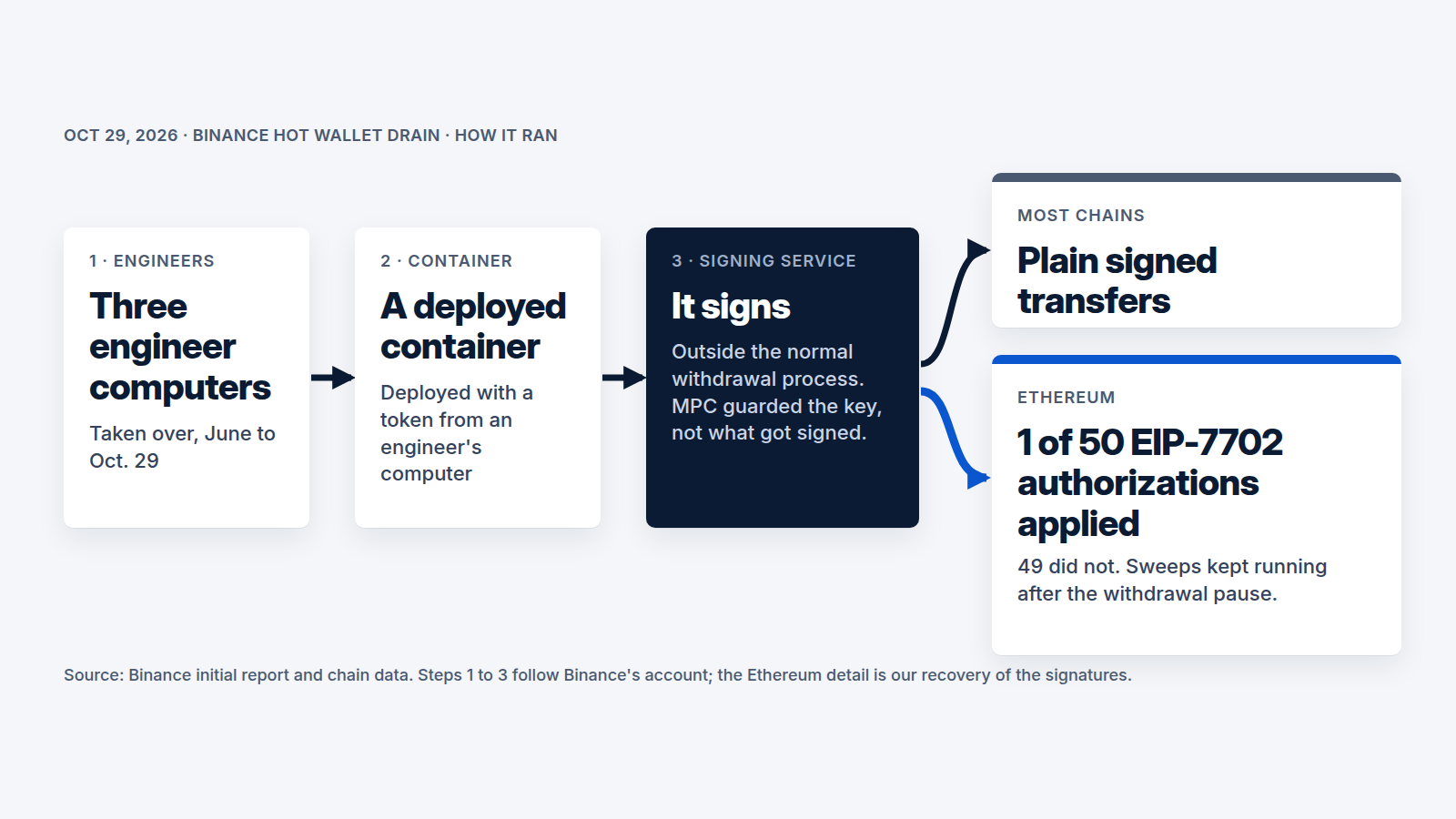
 Facts checked Nov 10, 2026
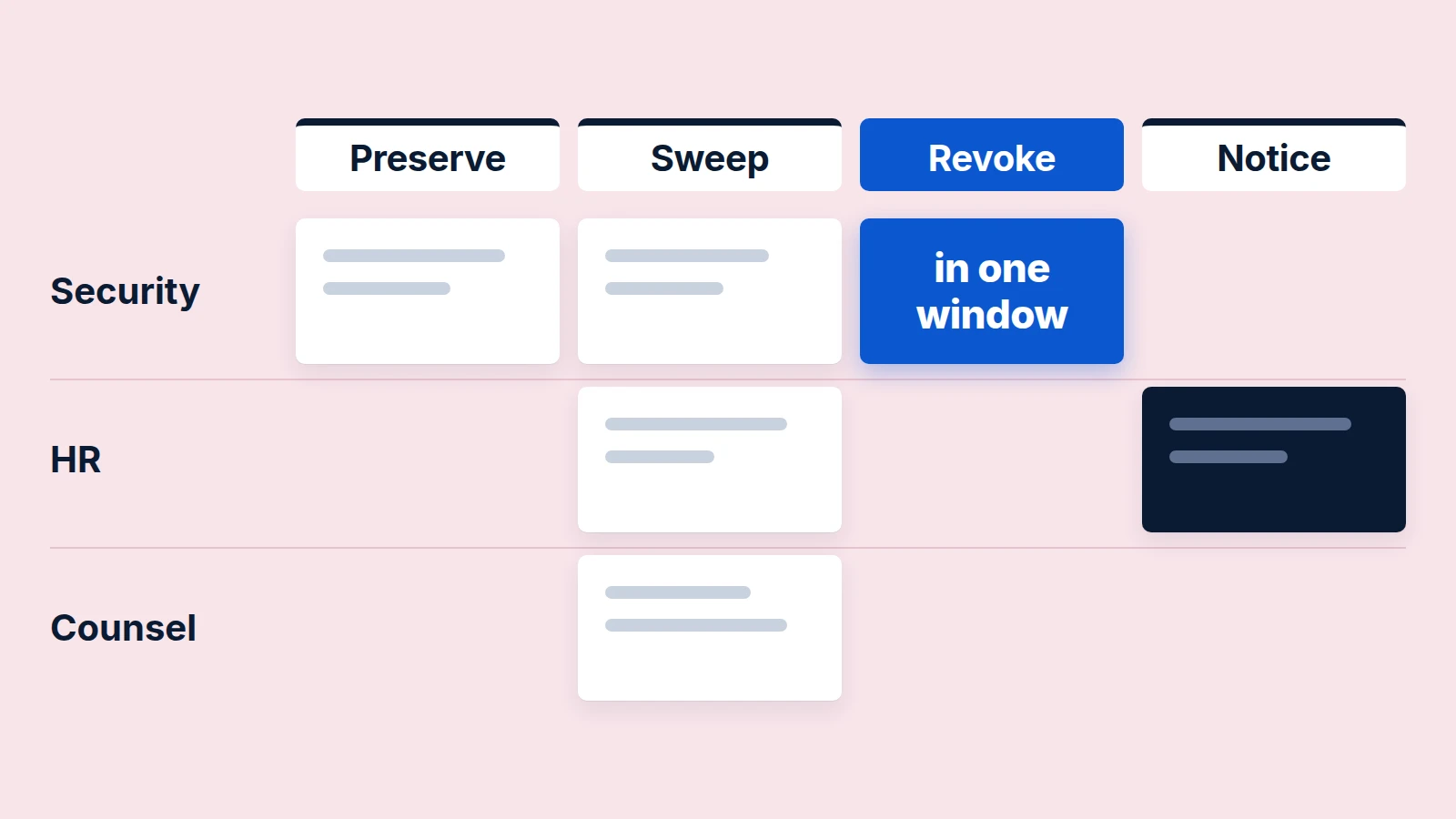
A company that suspects one of its remote engineers is a North Korean IT worker should treat it as a short, scoped investigation followed by one coordinated removal, not a slow watch and not an immediate firing. The FBI says these workers cannot be identified reliably with a single indicator, so the work is pooling what IT, HR, payroll and security each see, preserving evidence within hours, revoking access in one window, and calling the FBI and counsel before the worker is told.
This guide is for a security lead working with HR, payroll and counsel. It assumes the person already has an account, a laptop and a paycheck. "Suspected" is the right word throughout: North Korea is the FBI's attribution for the scheme, not a finding about any one employee, and Microsoft notes that a positive identification of a remote worker on its criteria does not guarantee that the worker is North Korean. Signals start a review. They never justify action based on nationality, name, accent or country of education; the FBI warns that relying solely on ban lists or name filtering can be unreliable and that aggressive controls risk false positives that harm legitimate employees.
Which signals matter, in which system, and who sees them?
Use behavior and technical signals only, and treat each as a reason to look closer. The FBI says the indicators may be innocuous individually but, when considered together, are "highly suggestive" of malicious activity. The "where it shows", "who sees it" and "weight" columns are our mapping; the signals themselves come from the FBI unless noted.
Signal | Where it shows | Who sees it | Weight |
|---|---|---|---|
Remote desktop or remote management tools (FBI examples: AnyDesk, TeamViewer, RustDesk, Chrome Remote Desktop, Splashtop Streamer, RMM tools) | EDR or MDM software inventory | IT, endpoint security | Strong with others; legitimate in IT roles |
Microsoft: a remote management tool installed right after the laptop is issued, together with a VPN (it names public VPNs such as Astrill) | Software inventory with install dates, network logs | IT, endpoint security | Strong with others |
Off-the-shelf KVM-over-IP hardware (FBI examples of devices the workers use: TinyPilot, PiKVM, GL.iNet) or a second laptop controlling the work laptop | Device and USB inventory, network and remote-session telemetry | IT, endpoint security | Strong with others |
Open-source tools outside the job role (FBI examples: OBS Studio with a VDO.Ninja plugin, Homebrew) | Software inventory | IT | Weak alone |
Software that runs several audio or video calls at once | Endpoint monitoring | Endpoint security | Weak alone |
Multiple logins to one account in a short period from IP addresses in different countries | Identity provider sign-in log | Identity team, SOC | Strong with others |
Repositories copied to personal profiles or personal cloud accounts | Git audit log, cloud-drive and browser-session logs | Engineering platform owner, SOC | Strong |
Frequent changes of bank account or street address; payroll to a bank account in a third party's name (July 2026 multinational alert); matching banking details across employees | Payroll change log | Payroll, HR | Strong with others |
The person doing the work seems different from the person interviewed; the account seems run by several people, with the contact changing by time of day (July 2026 multinational alert) | Interview recordings, meeting captures, sign-in timing | HR, hiring manager | Strong with others |
Reused VoIP numbers or email addresses across applications; typos and unusual wording in a resume | Applicant tracking system | Recruiting | Weak alone |
No team holds more than a few rows. The FBI says IT, HR, security and management each have "unique insights that when combined" work better, so route every signal to one named case owner. Counsel should know the case exists from the start, because the people-side findings (payroll, interviews) feed legal decisions.
A defensive AI agent can help with the mechanical part: joining sign-in countries, software inventory and payroll changes for a named account into one timeline. It needs read-only access to those logs and nothing else. A human should decide whether the timeline opens a case, because a wrong match lands on a real employee.
How do you investigate without tipping them off?
Keep it to hours or days. The FBI's January 2025 advisory recommends that a company that suspects a North Korean IT worker capture activity on the suspected device, but the FBI also says these workers "almost always exfiltrate data", and the September 18, 2026 joint advisory it co-issued says to promptly revoke accounts and sessions once a subcontractor is possibly a North Korean IT worker. Every extra day of watching is another day of copying. Counsel sets how long covert monitoring may run and what notice it needs under your state's monitoring law.
Within the first day:
- Limit the circle. Microsoft advises a small, trusted insider-risk group trained in operational security, to avoid tipping off the subject and collaborators. Our version: security lead, one HR partner, one payroll contact, counsel. No manager of the worker, no team chat.
- Pull what the FBI says to watch. Network logs and browser-session activity for exfiltration through shared drives, cloud accounts and private code repositories; the assigned device's network activity; sign-in IPs and countries; the payroll and address change history; company repositories copied to personal profiles and personal cloud accounts. Add clones and forks from your Git audit log.
- Check for session theft. The FBI notes these workers may harvest credentials and session cookies to start work sessions from non-company devices, so look for sessions from unmanaged devices.
- Sweep for other personas. Microsoft says to detect relationships with collaborators and other aliases run by the same actor before acting, and to avoid premature action that might alert them. The FBI says to compare payment accounts of all employees for matching banking information, and the July 2026 multinational alert says an account may be operated by several people. Search the whole workforce and your staffing firm's workers for shared bank accounts, IPs, phone numbers, emails and device indicators. One case should become a sweep, not a single removal.
Verify the quiet phase is done when the case owner can answer, in writing: what the person can reach, what has left, which other identities share indicators, and which apps hold their own sessions or keys.
In what order do you remove a suspected worker?
Scope and preserve first, revoke in one window, recover the device, then give notice. Microsoft publishes the elements of a removal: a small need-to-know group, link analysis for aliases, avoiding premature action, evidence preservation and a post-removal forensic sweep. The numbered order, the owners and the before-or-after-notice column below are our analysis. The FBI's advisories give no removal order.
# | Step | Owner | When | How you know it is done |
|---|---|---|---|---|
1 | Open the case; fix the circle of people; put counsel on it | Security lead | Hour 0, before notice | Named list; counsel acknowledged |
2 | Preserve evidence: device activity capture, sign-in and audit log exports, cloud-drive share list, payroll history | IR lead | Hours 0-24, before notice | Exports stored with hashes in the case folder |
3 | Export the GitHub audit log and the fork list | Engineering platform owner | Before notice, before any removal | Files in the case folder |
4 | Sweep workforce and staffing firm for shared bank accounts, IPs, phones, emails | HR and payroll with security | Before notice | Written result: none, or a list of linked identities handled as the same case |
5 | Counsel decides: pay and disclosure questions, monitoring limits, what the staffing firm is told; FBI contact | Counsel | Before notice | Decision recorded; FBI field office called |
6 | Build the revocation list per app: identity provider, each SaaS app, cloud IAM, API keys, personal access tokens, SSH keys, OAuth grants, VPN credentials | Identity team | Before notice | Every system the worker touched has an owner and an action |
7 | Revoke in one window: identity provider sessions and refresh tokens first, then each app's own sessions, keys, tokens and grants; then remove from GitHub | Identity team, app owners | At notice time, minutes before HR speaks | Test sign-in fails in each app; access-token lifetime has passed |
8 | Lock or isolate the device through MDM; collect evidence before any remote wipe | IT, IR lead | In the same window | Device reports isolated; evidence copy verified |
9 | Give notice, with counsel's script | HR | After revocation | Meeting held; record entered |
10 | Sweep every system the worker touched for persistence such as RMM tools and configuration changes; rotate secrets the worker could read | IR lead | After notice | Sweep report; rotated secrets list |
Revocation, step 7, is where a quiet plan fails. Revoking at the identity provider does not end app sessions: Microsoft's documentation says Entra ID cannot directly revoke a session token an application issued, so each app must revoke its own, and access tokens last 1 hour by default. Plan for up to 1 hour of residual access and watch that account until it passes. For tokens and grants that outlive a password reset, see the SaaS access review guide.
On GitHub, removing a member can leave local copies on the person's machine, and users may retain access to private forks held by other organizations. That is why step 3 comes first: the fork list tells you where code may already sit.
Case handling around these steps follows the incident response plan guide.
How do you get the laptop back, or handle it if it never comes?
We recommend capturing forensic evidence remotely before any wipe, then isolating the device through MDM. The FBI asks reporters for any street address that received an employment device, which means the shipping address is evidence for the FBI, not a place to send staff. Facilitators paid by these workers have made in-person threats against companies that removed related accounts, so do not send anyone, including a courier or a manager, without the FBI's input. If the laptop never returns, record it as lost, wipe only after the evidence copy is verified, and rotate every secret that was on it. DOJ's June 30, 2025 release says that, according to court documents, the schemes it describes obtained employment with more than 100 US companies, and that FBI searches of 21 known or suspected laptop farms between June 10 and June 17, 2025 seized approximately 137 laptops. DOJ notes that the details in those court documents are merely allegations.
Who reports what to whom?
Report to your local FBI field office and file an IC3 complaint, as quickly as possible. The FBI's tip line is 1-800-CALL-FBI. The October 2026 advisory lists what to include: the address that received the device, personal identifiers (names, social media accounts, phone numbers, emails, bank accounts, IP addresses), images, screenshots, videos and messages, and any details on facilitators. If a staffing firm placed the worker, tell the firm; the FBI's July 2025 advisory says contract IT work is a common way these workers get hired and asks companies to educate the third party.
Who | What | Notes |
|---|---|---|
FBI field office, IC3 | Case facts, identifiers, evidence | Before notice if counsel agrees |
Counsel | Sanctions, wages, disclosure, monitoring limits, privilege, biometric privacy if interview images are compared, discrimination risk in how the case was opened, breach-notification duties if personal data was reached | Counsel owns the decisions |
HR | Employment record and termination | After revocation, with counsel's script |
Staffing firm | That one of its placed workers is under review | Counsel decides timing and wording |
Counsel owns the sanctions question. Treasury's October 28, 2026 release says OFAC may impose civil penalties for sanctions violations on a strict liability basis. The July 31, 2026 multinational alert says contracting with North Korean IT workers and paying them for services rendered may violate the domestic laws of many countries, including the United States. OFAC's Enforcement Guidelines (31 CFR part 501, Appendix A) say that notification of an apparent violation to another government agency (but not to OFAC) by a Subject Person (an individual or entity subject to OFAC's sanctions programs), which that agency considers a voluntary self-disclosure, may be considered a voluntary self-disclosure by OFAC, based on a case-by-case assessment. A voluntary self-disclosure lowers the base penalty: in a non-egregious case it is one-half of the transaction value, capped per violation, and in an egregious case one-half of the statutory maximum. Whether to disclose and what to do with pay still owed are for counsel; Holland & Knight suggests consulting counsel before post-discovery payments and considering blocking or escrowing amounts payable to a sanctioned person.
What if the worker demands money or makes threats?
Expect it. The FBI reports that after discovery these workers have held stolen proprietary data and code hostage until companies meet demands, and in some cases publicly released code. After termination, the October 2026 advisory says, they have made death threats against former managers and their families, and facilitators have made in-person threats against companies that removed accounts. Holland & Knight adds that fraudulent workers may exploit wage-payment statutes or frame extortion demands as severance.
We recommend that security never answer a demand or negotiate alone. Route every message to the case owner, preserve it, and bring in the FBI and counsel before any reply. A payment is also a sanctions question (see above). Brief the managers involved once access is revoked and before notice, tell them not to engage, and if anyone receives a threat to life or is concerned about physical safety, call 911, as the FBI instructs.
What should change afterward?
Turn the signals into standing controls.
- Block unapproved remote-management tools. Microsoft suggests Windows Defender Application Control or AppLocker policies for this.
- Disable local administrator accounts and limit privileges for installing remote desktop applications, per the FBI's least-privilege advice.
- Alert on multi-country sign-ins and KVM-over-IP or unexpected remote-control software in inventory. Note that a silent endpoint agent can hide these signals, as in the fake coding test case.
- Review payroll changes: bank and address changes, third-party account names, matching details across staff.
- Sweep every system the worker touched for persistence, as in step 10.
- Expect re-application under new identities. Holland & Knight says to anticipate that suspected operatives will try to re-infiltrate.
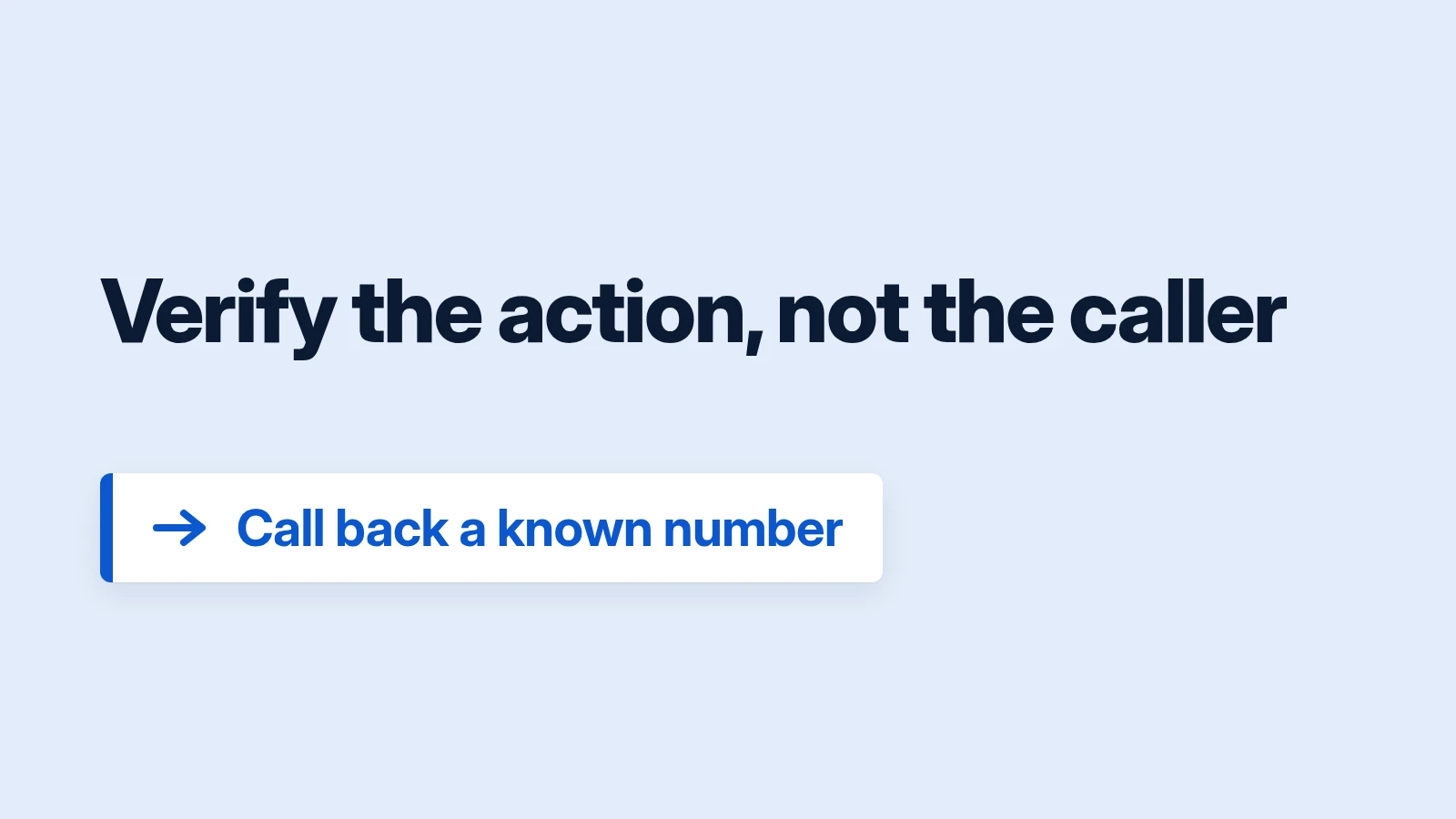
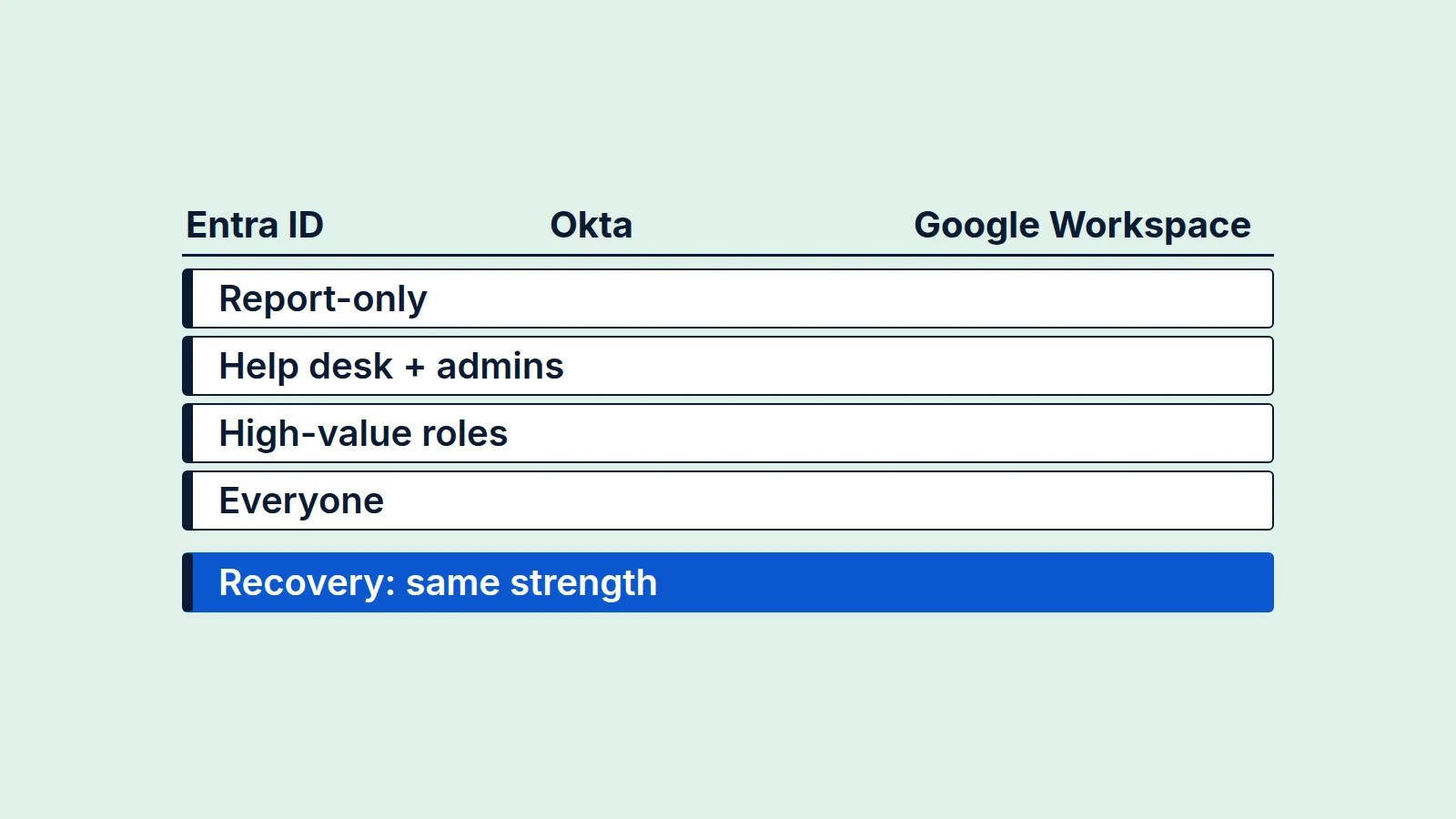
Strong MFA does not fix this: it proves the account holder is present, and here the account holder is the impostor (phishing-resistant MFA). The hiring-side controls, including interview checks and verifying the person at each stage, are in the hiring section of our call-back verification guide. Deepfakes matter at that step; after hire, the controls above are ordinary ones. Run the same signals past HR before acting on any one person, because the FBI's warning about false positives applies to your own employees first.